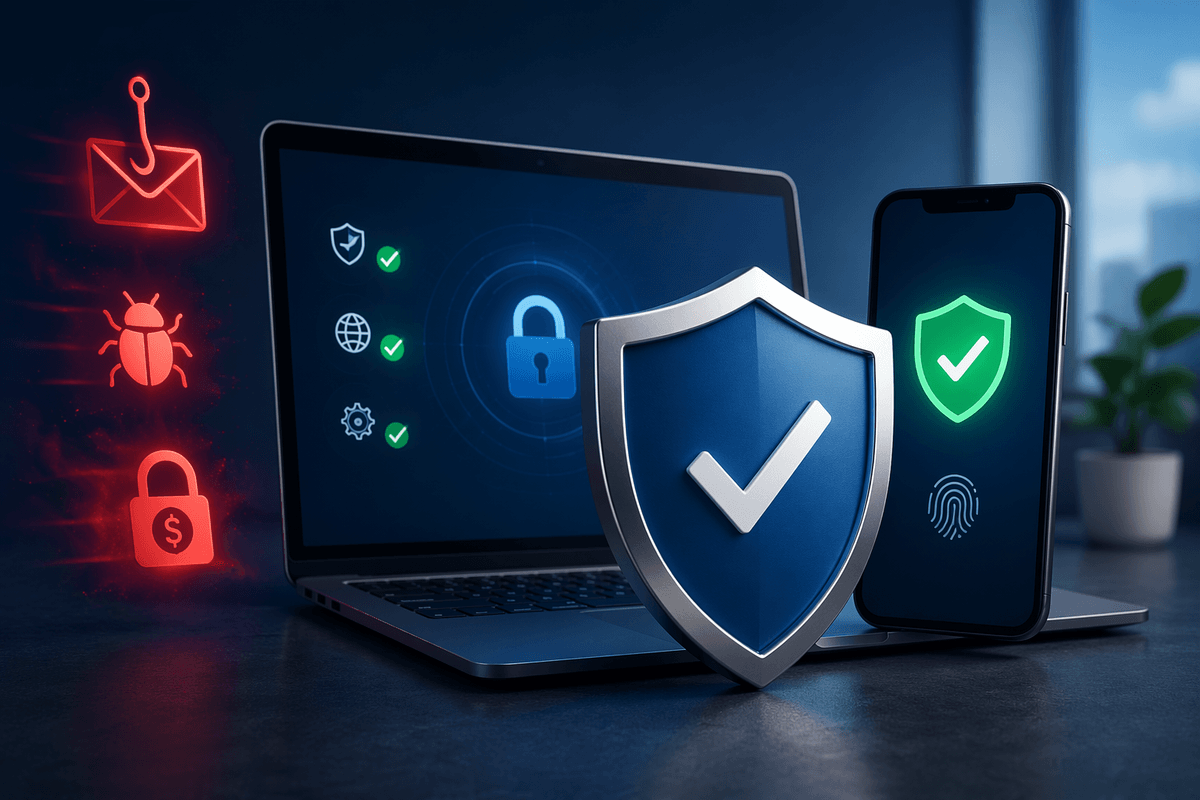
Why mobile tax scams spike and what they look like
Your phone is a perfect target during tax season and around filing deadlines because scammers know people are already expecting “something tax-related.” They also reuse leaked phone numbers and personal details from old data breaches to make messages feel believable. The patterns are familiar: a robocall claiming you owe back taxes, a text about an “unclaimed refund,” or a voicemail warning of “immediate action” unless you pay today.
Most mobile tax scams push urgency and secrecy. They ask for gift cards, wire transfers, or payment apps, or they send a link to “verify your identity” that leads to a fake login. The practical problem is that some real notices do happen, so the safest habit is to treat any surprise tax demand on your phone as unverified until you confirm it through an official channel.
Tip 1: Spot the red flags before you react
You’re usually fine if you pause long enough to check for a few predictable red flags. A real tax agency won’t demand payment by gift card, wire transfer, or “pay right now” through a random app. They also won’t threaten arrest, deportation, or license suspension over a call or text. Watch for sender tricks: lookalike numbers, misspelled agency names, odd email domains, or links that don’t match the official site. Another common tell is the “verify your identity” prompt that asks for your full SSN, bank login, or a one-time code.
Assume any surprise tax message is a scam until proven otherwise. The cost of waiting 10 minutes to verify is small; the cost of reacting fast can be a drained account.
Tips 2–3: Make unknown calls less likely to reach you
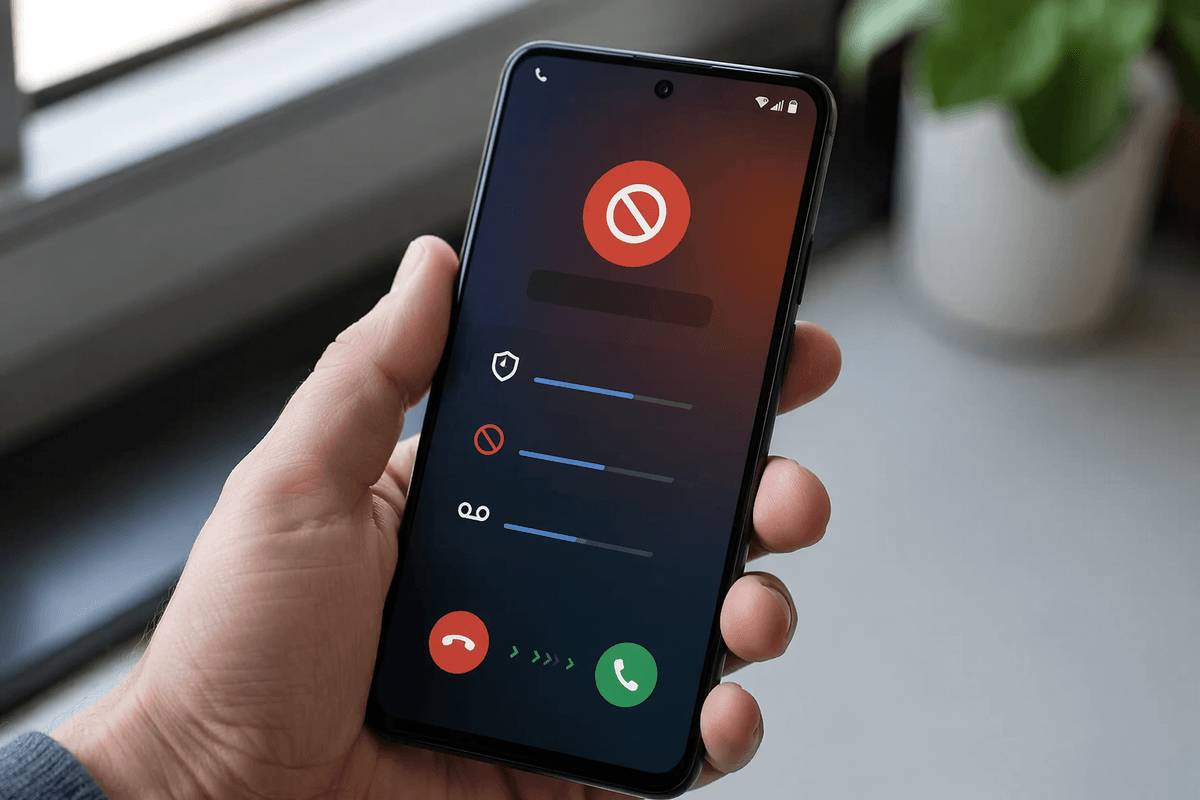
You can cut scam calls way down by forcing unknown numbers to “prove” they deserve your attention. On iPhone, turn on Silence Unknown Callers (Settings > Phone). On Android, enable caller ID and spam protection (Phone app > Settings), and use “Block/report spam” on suspicious numbers. These settings send many robocalls to voicemail instead of interrupting you, which is where most tax-scam scripts fall apart.
Then tighten the gate at your carrier. AT&T ActiveArmor, T-Mobile Scam Shield, and Verizon Call Filter can label or block likely spam before it rings, and they catch waves of scam campaigns faster than your personal block list. The trade-off is occasional false positives, so save real contacts (your tax preparer, bank, and employer) and check voicemail rather than picking up unknown calls “just in case.”
Tips 4–5: Block tax scam texts and stop link-clicking
Texts are often the bigger tax-scam channel because they feel quick and “official.” Start by turning on built-in filters: on iPhone, enable Filter Unknown Senders (Settings > Messages). On Android, use Google Messages’ Spam protection (Messages > Settings > Spam protection). When a tax text looks suspicious, don’t reply “STOP” (it can confirm your number). Instead, report it as junk/spam, then block the sender. If it came from a short code, report it to your carrier by forwarding the message to 7726 (SPAM); it helps carriers suppress future waves.
Then break the link habit. Don’t tap “refund,” “verify,” or “view notice” links from texts. Open your browser and type the official site yourself, or use a saved bookmark. It’s slower, but it prevents fake login pages and phone-installed malware.
Tip 6: Lock down accounts scammers try to take over
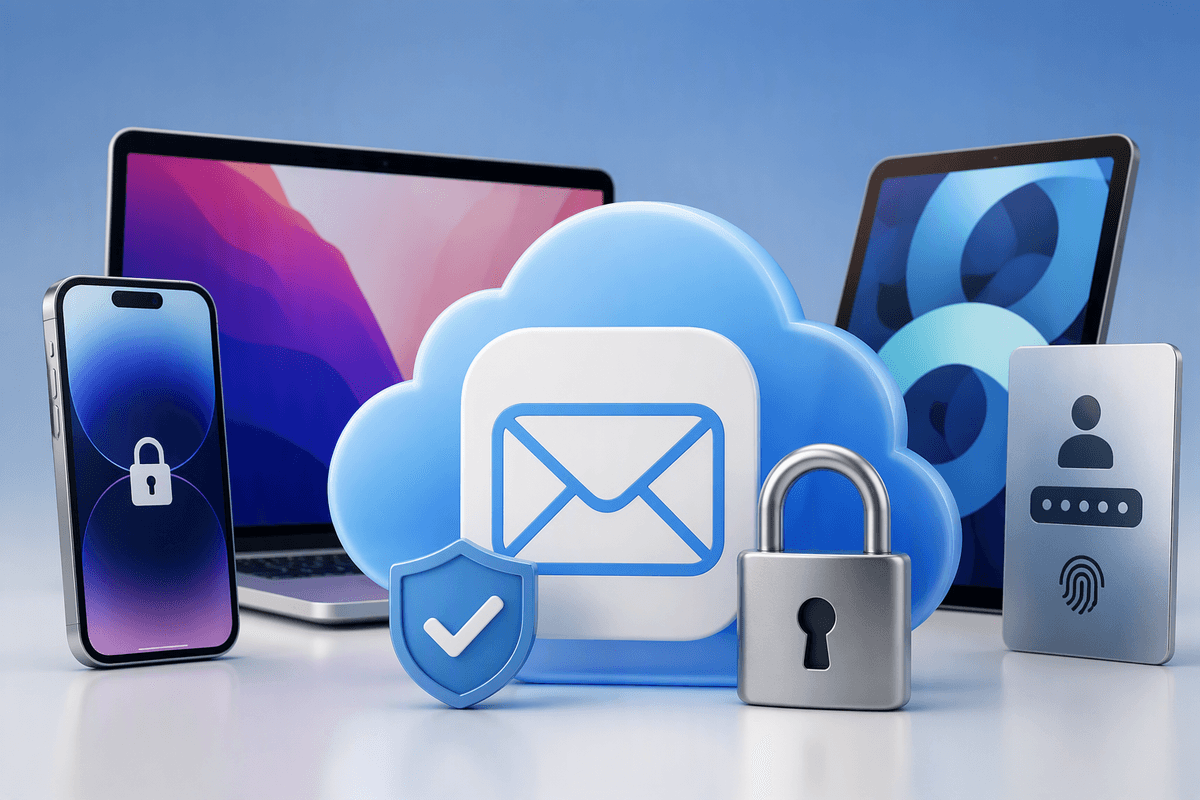
A lot of “tax” scams are really account-takeover attempts. Lock down the accounts they target most: your email (because it receives password resets), your cell carrier login (because SIM swaps let them intercept codes), and financial apps. Turn on multi-factor authentication, but prefer an authenticator app or security key over SMS when you can. Then update passwords to long, unique ones (a password manager makes this realistic).
Add two quick checks that stop common resets: review your email forwarding rules and recovery options, and remove old phone numbers you no longer control. At your carrier, set a port-out/SIM-swap PIN (sometimes called an account PIN or number transfer lock). The cost is a little friction when you change phones, but it’s a strong barrier against scams that start with “verify this code.”
Tip 7: Verify “tax agency” contact the safe way
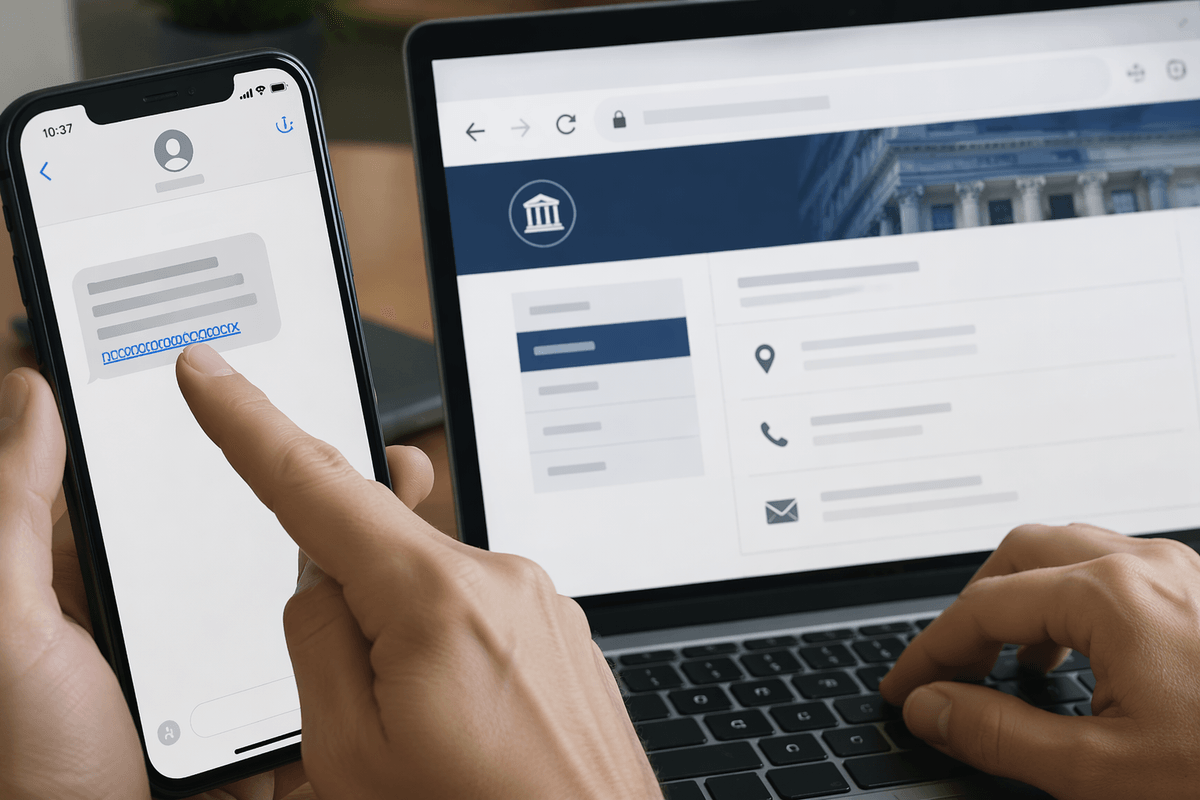
You’ve got a missed call or a text that says “IRS” (or your state tax agency) and it includes a number to call back. Don’t use it. Use a clean path you control: open your browser and type the agency’s official site yourself, then navigate to the “Contact” or “Payments/Notices” page to find the real phone number and instructions. If they claim you have a “case number,” treat that as untrusted until you confirm it through an official channel.
If you think it might be legitimate, hang up and call back using the number from the official website or a letter you already received in the mail. Avoid verifying anything from a pop-up text link, and never share one-time codes. The practical downside is it takes a few extra minutes and you may sit on hold, but that delay is exactly what blocks most mobile tax scams.
If you already responded, act fast and limit damage
You answered or clicked—now focus on containment. If you shared a password or one-time code, change that password immediately anywhere you reused it, then sign out other sessions and turn on authenticator-based MFA. If you entered bank or card details, call the number on the back of your card (not the scam message), freeze the card, and review recent transactions; for checking/savings, ask about a temporary hold, new account number, or stop payments.
If you paid, keep receipts, screenshots, and the phone number, then file a report with the FTC (ReportFraud.ftc.gov) and the IRS impersonation page, and tell your carrier you may be at risk for a SIM swap. If you shared your SSN, consider a credit freeze at all three bureaus; it’s free, but unfreezing later can take a few minutes when you apply for credit.
A simple “set it and forget it” anti-scam setup
Take 20 minutes once and you’ll cut most tax-scam noise for the year. Turn on Silence Unknown Callers (iPhone) or spam protection (Android), then enable your carrier’s filter (ActiveArmor/Scam Shield/Call Filter). In Messages, turn on spam filtering, and set a habit: no tax links from texts—use a saved bookmark to your state tax site and IRS.gov instead. Add a password manager, switch your email and financial logins to authenticator-based MFA, and set a carrier port-out/SIM-swap PIN. You may miss an occasional real call, so check voicemail daily during tax season.