Why breaches feel personal—and what you can control
You hear “data breach” and it lands like a personal failure, even when it’s a company’s system that got hit. The uncomfortable part is the uncertainty: you don’t know what was taken, who has it, or when it might be used. The useful part is that most real-world damage happens later, when stolen details get reused to log in, reset passwords, or open accounts.
You can’t pull your data back, but you can make it harder to use. Focus on actions that change the outcome: protect your email and phone number (they’re the keys to everything), stop password reuse, and put friction in front of money movement. Some steps take time—freezing credit, updating logins, and cleaning up old accounts—but they’re controllable, and they measurably reduce what an attacker can do with leaked info.
First, figure out whether your data was exposed
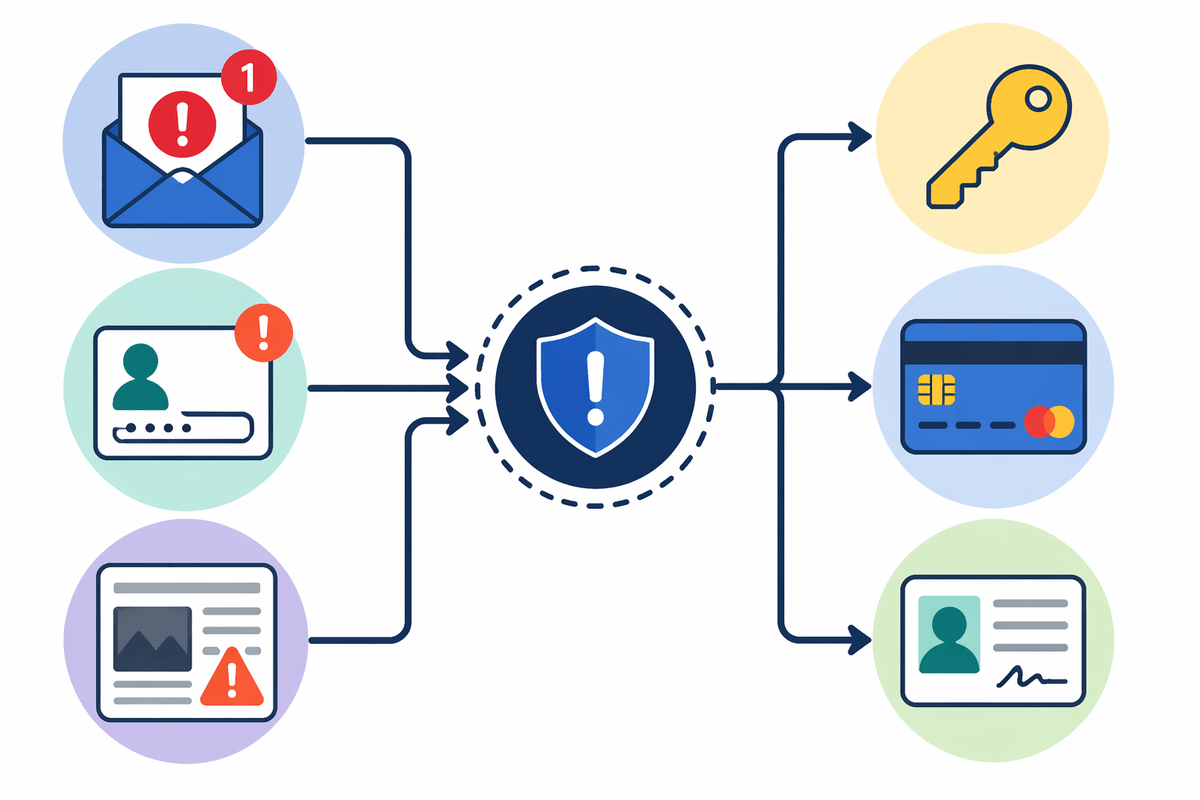
Most people find out in one of three ways: an email from a company, a login alert that wasn’t you, or a news headline. Treat all three as “signals,” not proof. Breach emails get faked constantly, so don’t click the button in the message. Open a fresh browser tab, go to the company’s site or app you already use, and look for a security notice in your account settings or support pages.
Then confirm what actually matters: what type of data, and which account. A leaked password is urgent because it gets tried everywhere; a leaked card number is urgent because it can be charged; a leaked Social Security number changes your credit-risk picture for years. If the notice is vague, assume the worst for that account and move forward. The practical constraint is time: you may never get a perfect list of what was taken, so don’t wait for certainty before taking protective steps.
Lock down your logins before attackers try them elsewhere
The most common “breach follow-up” is simple: attackers take an email and password from one site and try it on the big ones—your email, bank, payment apps, and shopping accounts. Start with your primary email account, because if someone controls that inbox they can reset passwords almost everywhere else. Change that password to a long, unique one (a password manager makes this realistic), then do the same for any account that shares the old password or even a close variation.
Turn on multi-factor authentication wherever you can, prioritizing email, financial accounts, and any place that stores saved cards. App-based codes or a security key are stronger than SMS, but SMS is still better than nothing. Also check for “silent” compromises: review recent login sessions, remove unknown devices, and update recovery email/phone if they’re wrong. The cost is hassle—some sites log you out everywhere and make you re-login on every device—but that friction is the point.
Protect your money with freezes, alerts, and limits
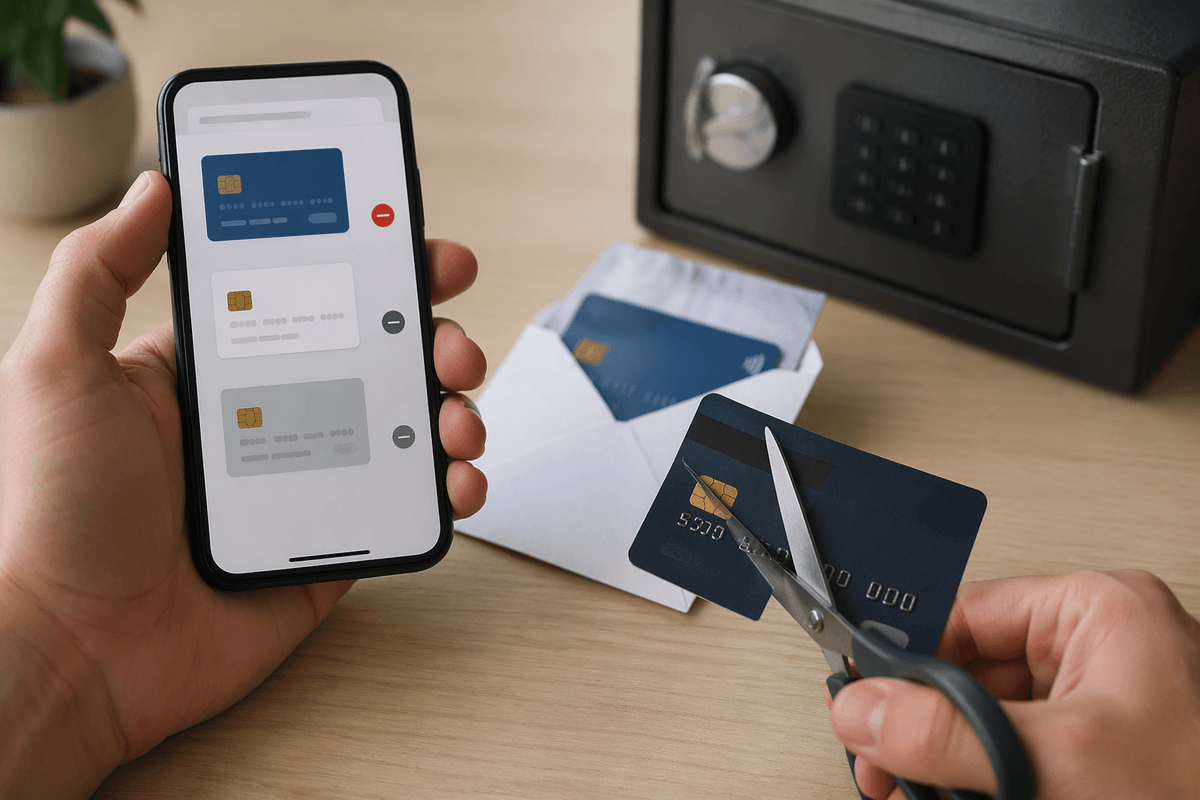
A familiar pattern after a breach is small, “test” transactions before bigger moves. Make that harder by adding gates around credit and cash. Start with a credit freeze at all three major bureaus so new accounts can’t be opened in your name without you lifting it. It’s free, but it takes some setup time and you’ll need to temporarily unfreeze when you apply for credit, rent an apartment, or switch utilities.
Then tighten monitoring where money actually leaves. Turn on transaction alerts in your bank and card apps (ideally for any purchase, not just large ones), and set up low-balance alerts on checking. If your bank offers it, add transfer limits, require extra verification for new payees, and disable wire or Zelle/peer-to-peer features you don’t use. For cards stored in shopping apps, remove saved payment methods you rarely need and request a replacement card if the number was exposed.
Shore up your “recovery” weak points attackers abuse
You’ve hardened passwords and money movement, but attackers often go around that by abusing account recovery. Check the “forgot password” path on your primary email and key financial accounts and make sure the recovery options are yours and current. Replace any old phone numbers, shared family emails, or workplace addresses. If you can, set recovery to an authenticator app or security key instead of SMS, and add a separate recovery email that’s protected just as strongly as your main inbox.
Then look for the quiet backdoors people forget: security questions, backup codes, and forwarding rules. Security questions are often guessable from leaked data, so use nonsense answers stored in a password manager. Download backup codes, store them offline (printed or in a secure vault), and delete old copies. In email settings, check for auto-forwarding, filters, and delegated access you didn’t set. This takes time and it’s tedious, but it prevents the most common “I changed my password and still got locked out” scenario.
Reduce future exposure by shrinking your data footprint
You’ve probably signed up for dozens of sites you don’t use anymore, and many still have your email, phone number, address, and maybe a saved card. That’s future breach surface area. Start with a quick account cleanup: search your inbox for “welcome,” “verify your email,” and “receipt” to find old services, then delete accounts you don’t need. Where deletion isn’t offered, remove stored payment methods, delete saved addresses, and strip out profile details down to the minimum.
Then reduce how often you have to hand out the same identifiers. Use a password manager plus email aliases (or a dedicated “sign-ups” email) so one leak doesn’t point attackers to your main inbox. Opt out of data broker listings where you can, and limit what you share publicly on social profiles (birthday, hometown, full name). The constraint is effort: account deletion and broker opt-outs take time, and some services make it annoyingly hard. Even partial cleanup pays off by making your real identity harder to stitch together.
Have a simple plan for the next suspicious message
The next phishing attempt will probably look routine: a “security alert,” a delivery problem, a DocuSign link, or a bank text asking you to “confirm.” Decide now: don’t act from the message. Open the app or type the site yourself, and check notifications there. If it claims fraud, call the number on the back of your card, not the one in the email.
When in doubt, slow it down. Don’t share one-time codes. Don’t approve push prompts you didn’t initiate. If you already clicked, change the password immediately, sign out other sessions, and review recent account activity. This adds a little friction, but it prevents most “one bad click” cascades.