Temu is everywhere—what you’re actually signing up for
You’ve probably seen Temu in nonstop ads, app-store charts, and bargain-haul videos, all pointing to prices that feel too low to be real. What you’re signing up for is less like ordering from one store and more like shopping inside a giant marketplace where many separate sellers list items, and Temu coordinates checkout, promotions, and delivery expectations.
The trade-off is that the “deal” isn’t just the sticker price. It often includes longer shipping, uneven quality control, and a customer-service experience that can vary depending on the item and seller. If you go in expecting a discount-store gamble—rather than a curated retailer—you’ll make better choices and feel fewer surprises.
So what is Temu, and who runs it?
Temu is a shopping app and website that operates as a marketplace, not a single brand making or stocking most of what you buy. Many items are listed by third-party merchants and factories, and Temu mainly handles the storefront: search, coupons, checkout, and the rules sellers have to follow to stay visible. That setup is why two products that look similar can arrive with very different packaging, instructions, or build quality.
The platform is owned by PDD Holdings, the same parent company behind Pinduoduo, a large e-commerce business that grew in China. So yes, it’s “legitimate” in the sense that it’s a real company processing real orders—but it’s also designed around scale and aggressive pricing, which can mean weaker consistency, more variable seller reliability, and slower cross-border fulfillment than a typical U.S. retailer.
How can prices be so low without it being a scam?
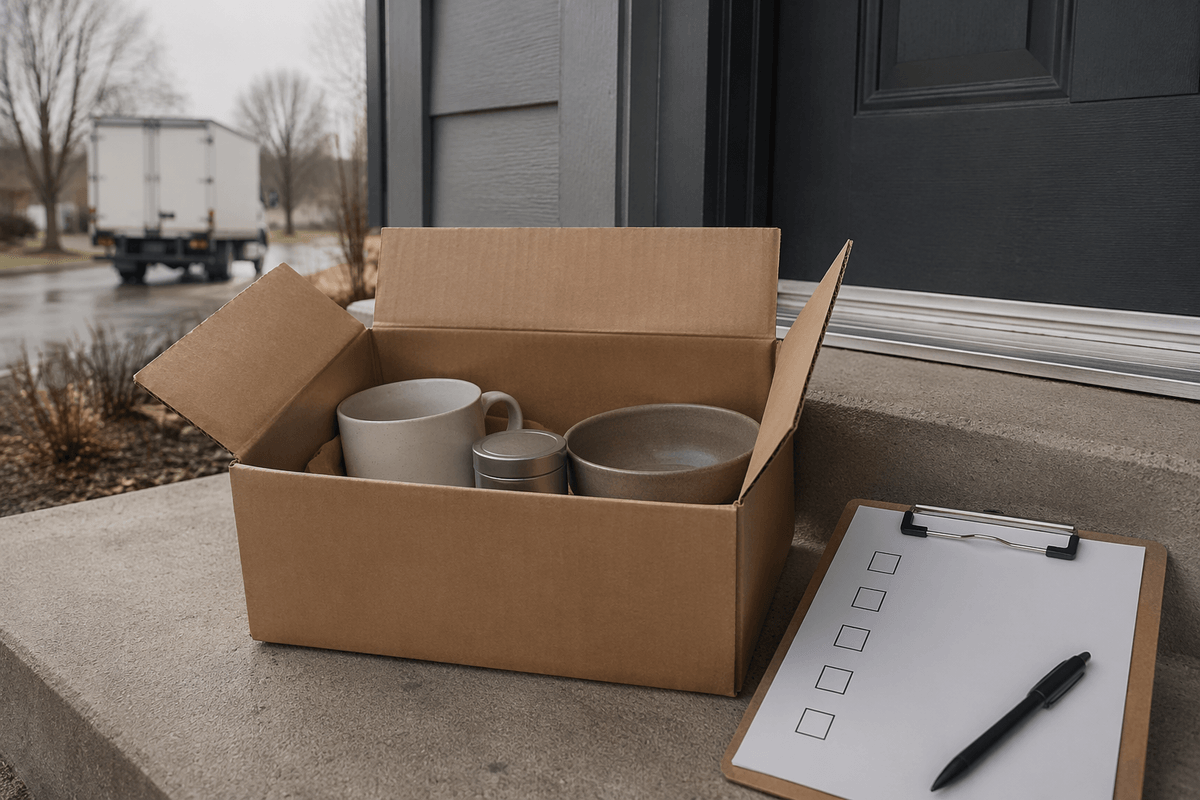
The low prices usually come from how the marketplace is structured, not from a fake checkout. Many listings are close to the factory level, with fewer layers of branding, warehousing, and U.S. retail markups. Temu also leans hard on subsidies and promotions—intro coupons, limited-time “flash” prices, and free shipping thresholds—to get first orders and keep you browsing. Sellers may accept thinner margins to move volume, especially on small, lightweight goods where international shipping is cheapest.
The catch is that the savings often show up somewhere else: cheaper materials, simpler packaging, less consistent quality control, fewer usable instructions, and slower delivery because items may ship cross-border in batches. You can also see “deal” pricing shift as you add items, because discounts are sometimes doing the heavy lifting rather than the base product price. It’s legitimate commerce, but it’s optimized for cost and scale, not predictable polish.
What ordering feels like: shipping times, tracking, and surprises
You place an order, get an estimated delivery window, and then watch it move through a few distinct phases: “processing,” “shipped,” a long quiet stretch, and finally a handoff to a local carrier. Many items travel cross-border, so “shipped” can mean the label exists while the package is still waiting to consolidate with other parcels. Tracking often updates in batches, which makes it feel stalled even when it’s moving normally.
The most common surprise is splitting: one checkout can become multiple packages arriving on different days, sometimes with separate tracking numbers. Packaging and instructions can vary item to item, even within the same order, because they may come from different sellers. If you need something for a specific date, the low price is a real constraint—plan for delays, and treat the delivery window as an estimate, not a promise.
Product quality: which categories tend to disappoint

You notice the quality gap fastest in items where tolerances, safety, or materials matter more than the design. Electronics and “smart” gadgets (chargers, earbuds, LED strips, mini tools) often work, but failure rates can be higher, specs can be overstated, and warranties are thin. Anything that claims high performance for a tiny price—fast charging, huge battery capacity, “pro” audio—deserves extra skepticism.
Clothing is another common disappointment because sizing isn’t standardized and fabric photos can flatter thin, shiny material. Shoes, bras, and jackets are the riskiest since fit and support are hard to judge from listings. Beauty and skin products add a different concern: ingredient lists can be incomplete or hard to verify, and counterfeits exist across online marketplaces. Small home goods and simple accessories tend to be the safer bets, because “good enough” is easier to deliver on a $3 item.
Returns and refunds: easy in theory, messy in practice
You’ll often see “easy returns” language, and sometimes it is: a wrong color, a broken item, or something that never arrives can be straightforward if you file quickly and keep the packaging and photos. The friction shows up in the details—some items are eligible for free returns while others aren’t, and certain categories (like hygiene, beauty, or heavily discounted goods) may be treated differently. If your order split into multiple packages, you may also need to manage multiple return flows and deadlines.
Refund timing can feel uneven because it depends on whether Temu approves a “refund without return,” requires a drop-off label, or waits for the item to scan back in. That means your money can be tied up longer than you’d expect, and the practical cost is time: messages, photos, and tracking screenshots. If you’re buying something you might realistically return—shoes, bras, electronics—the low price is partly paying for that extra hassle.
Data, permissions, and payments: how to shop more safely
You’ll see the biggest safety difference before you ever buy anything: how much access the app gets and how you pay. If you don’t need app-only perks, using the website in a browser limits what can be collected from your phone by default. If you do use the app, treat permissions as optional—deny contacts, location, and photo access unless a specific feature truly needs it, and turn off ad tracking where your phone allows it.
For payments, avoid linking a debit card. Use a credit card, PayPal, Apple Pay, or a virtual card number so a compromised account can’t drain your checking balance. Keep orders compartmentalized: a unique password, no stored card if you can help it, and screenshots of listings in case the product page changes. The trade-off is convenience—more steps, but less exposure.
When Temu is worth it—and when to buy elsewhere
You’ll usually get the best value on simple, low-stakes items where “good enough” is fine: phone cases, cables organizers, craft supplies, party decor, basic kitchen tools, and small replacement parts. Treat it like a cheap test run—order one, not five—and only for things you can wait 1–3 weeks to receive. The moment you need accuracy, safety, or support, pay more elsewhere: charging bricks and batteries, kids’ items, anything that touches skin, and gifts on a deadline.
A practical rule is to buy problems, not promises. If the listing claims “pro,” “medical,” “fast charging,” or “premium,” assume the risk and return hassle rises faster than the savings. If you’d be upset losing the money or the time, Temu isn’t the right place for that purchase.