The moment my Apple Watch started feeling like a compromise
I didn’t start disliking my Apple Watch Series 9; it just began asking for small compromises that added up once my running got more structured. The first time it really clicked was during a week of early runs and one long workout, when I realized I was planning charging windows as carefully as I planned my training. Mid-run, the touchscreen also became a minor liability—sweat, rain, gloves, all make quick interactions slower than they should be.
None of that ruins the watch as an everyday device. It just shifts the balance when you care more about consistent training execution than about having the best wrist extension of your iPhone. When the watch that’s “good at everything” starts forcing you to think about battery, accidental taps, and fiddly controls, it stops feeling like a neutral choice and starts feeling like a trade-off.
What I actually need from a watch for running progress
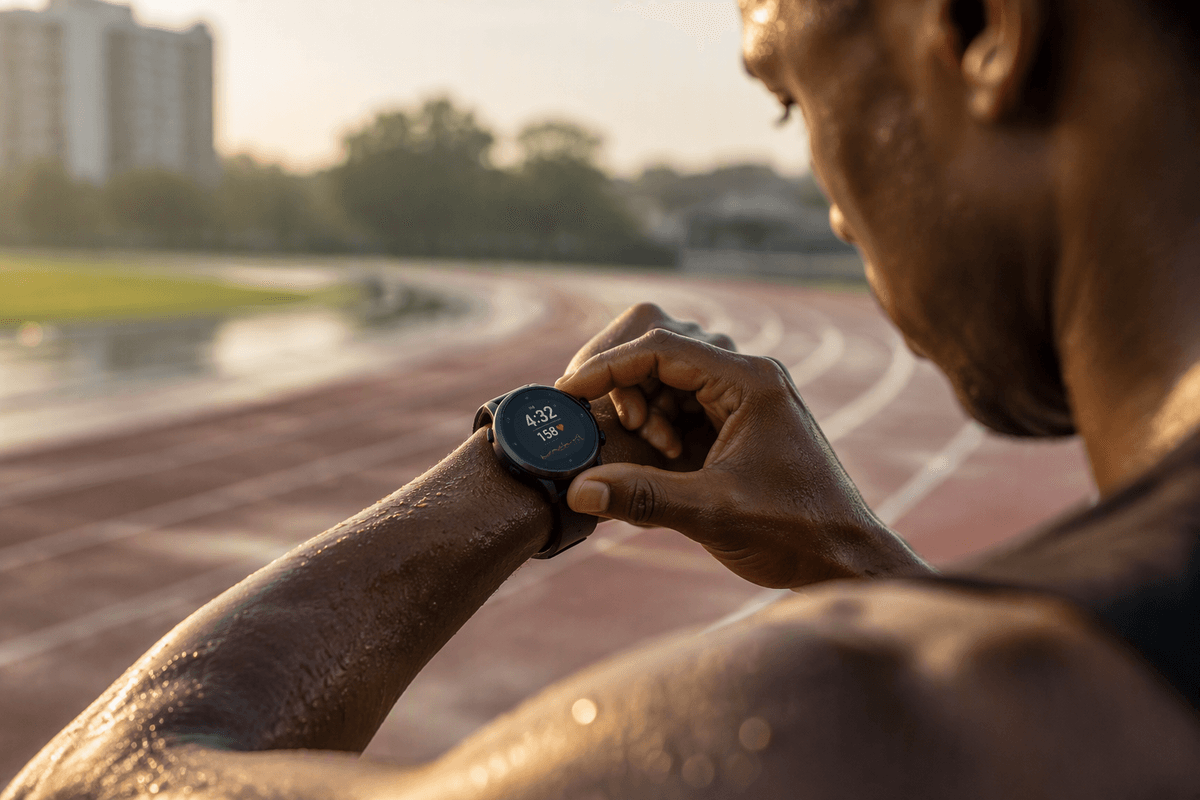
Once you’re training on purpose, the watch’s job gets simpler: capture the run cleanly, tell you what to do today, and help you recover well enough to do it again tomorrow. I need reliable pace and distance without babysitting GPS settings, heart rate that’s stable during warmups and intervals, and lap control that works with wet hands. I also want structured workouts that are easy to follow mid-run, plus a few signals that connect effort to outcomes—trendlines like aerobic fitness changes, load over the week, and whether I’m stacking too many hard days.
Just as important, I need all of that to be low-friction. If starting an interval set feels like tapping through tiny screens, or if data fields don’t show what matters when I’m tired, I’ll train less consistently. The hard part is admitting that “good enough” metrics can still slow progress if they add mental overhead every run.
Battery anxiety: the quiet tax on consistent training
The battery issue isn’t dramatic, it’s just persistent. With the Apple Watch Series 9, I can get through daily life and a run, but the margin is thin enough that I start doing mental math: did I charge after yesterday’s workout, will tonight’s sleep tracking survive, is tomorrow’s long run going to start at 80% or 35%? That background checking becomes a small tax on consistency, because it nudges you toward shorter sessions, fewer GPS add-ons, or skipping metrics you actually care about.
Garmin’s pitch with a Forerunner like the 265 is basically the opposite: assume you’ll train often, track sleep every night, and still not have to schedule your week around a charger. The practical downside is you’re trading Apple’s fast top-ups and familiar charging habits for a separate cable and another device ecosystem to maintain.
Coaching built in: workouts, recovery, and readiness signals
A familiar Apple Watch pattern is building your plan somewhere else—an app, a coach’s PDF, a Notes screenshot—then using the watch mainly as a display and recorder. It works, but it can feel like the coaching lives off-wrist. The Forerunner 265 pulls more of that decision-making onto the device: suggested workouts that adjust based on recent training, clear interval prompts you can follow without squinting, and post-run feedback that ties effort to a bigger training picture. The point isn’t that it magically “coaches” you, but that it reduces the number of places you have to look to know what today should be.
Recovery is where the difference becomes practical. Garmin’s sleep, load, and readiness-style signals are designed to answer “push or hold?” before you lace up. They’re still estimates, and they can be wrong if your sleep is messy or your heart rate data is noisy, but they’re consistent enough to prevent accidental streaks of hard days—without paying for yet another subscription layer.
When GPS and heart rate accuracy start to matter more
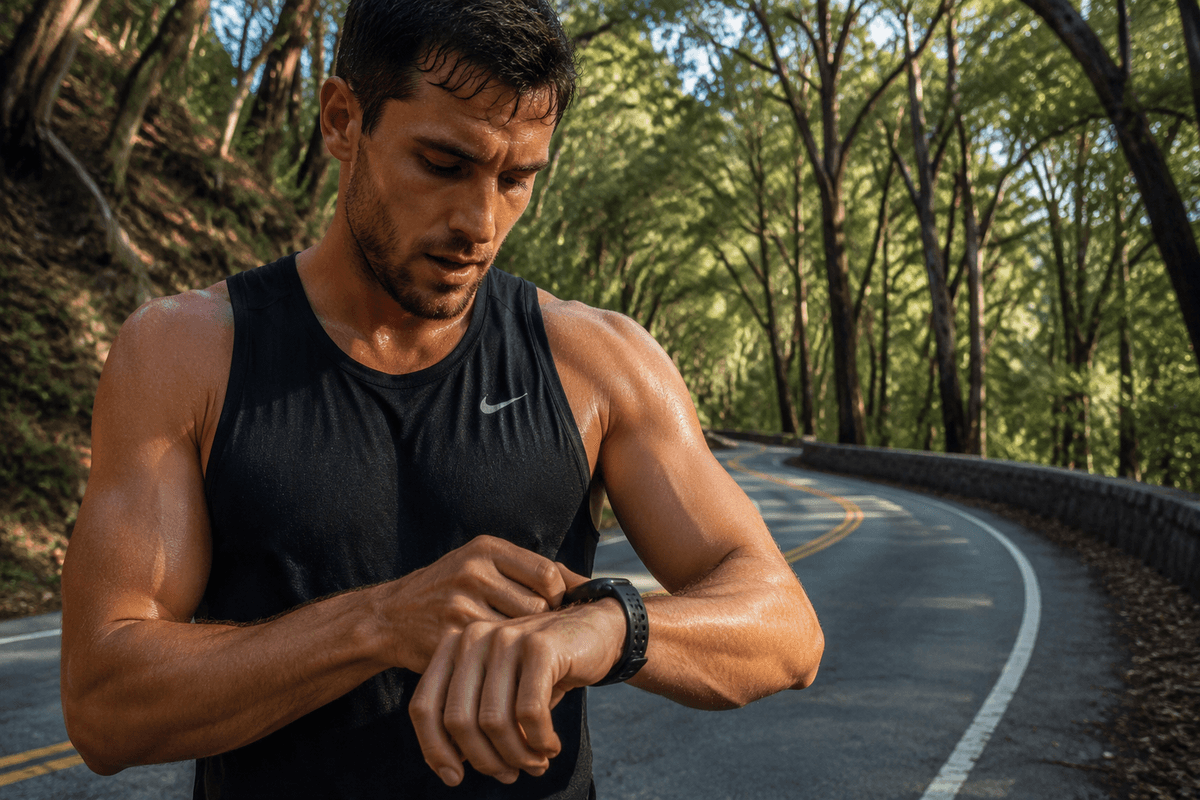
You notice GPS and heart rate accuracy most when you stop running “one steady loop” and start doing workouts where small errors change decisions. If your pace bounces in the first mile because the route has trees, tall buildings, or tight turns, you end up chasing numbers instead of settling in. The Apple Watch Series 9 can be very good, but it’s also more sensitive to how you wear it and how often you lose clean sky view, and touchscreen-based laps are easy to fumble when you’re moving fast.
The Forerunner 265 feels built around repeatable execution: reliable GPS tracking without much babysitting, physical buttons for laps, and heart rate that tends to look steadier once you’re sweating and your cadence changes. It’s not perfect—wrist HR can still lag on short intervals, and accurate tracking can mean wearing it tighter than is comfortable all day—but the data is usually “trust it and run” quality.
Smartwatch conveniences I’d miss—and what replaces them
The Apple Watch wins at “life stuff” with almost no thought: tight iPhone notifications, quick replies, Apple Pay everywhere, timers, and the kind of app depth that makes the watch feel like an extension of your phone. I’d also miss how seamlessly it handles little moments—unlocking a Mac, tapping into a podcast, or taking a call when your phone is buried in a bag.
The Forerunner 265 replaces some of that, not all. You still get notifications, music control (and music playback if you use the right services), alarms, and contactless pay, but you’re giving up the richness and polish of watchOS. The trade is that training interactions get easier: buttons always work, battery stops dictating behavior, and the watch stays “sports-first” even on messy days.
Apps, data, and subscriptions: where your fitness life lives
The bigger switch isn’t the hardware, it’s where your training record lives. With Apple Watch, your default gravity is Apple Health and Fitness, plus whatever running app you trust (WorkOutDoors, Nike Run Club, TrainingPeaks, Strava). That’s flexible, but it also means your plan, metrics, and history can end up split across apps—often with at least one paid tier to unlock structured workouts, deeper trends, or coaching.
With the Forerunner 265, Garmin Connect becomes the “home base” by default. It’s not as elegant as Apple’s ecosystem, but it’s cohesive: workouts, load, recovery signals, routes, and long-term charts in one place, generally without a required subscription. The practical cost is migration friction—old Apple-centric history doesn’t always port cleanly, and you may still keep Strava or TrainingPeaks in the mix if that’s where your community or coach lives.
A simple decision test: who the Forerunner 265 fits best
If your week includes structured workouts, long runs, and you want to wear the watch 24/7 without planning charges, the Forerunner 265 is the cleaner fit. The tell is whether you value “trust it and run” defaults: physical buttons for laps, training-ready screens, and built-in load/recovery context that’s consistent enough to guide decisions without stacking more paid apps.
Stay with the Apple Watch Series 9 if your watch is mainly an iPhone companion that also records runs, and you’d genuinely miss tight notifications, replies, LTE/calls, and the breadth of watchOS apps. The real switching cost isn’t just money—it’s living with a second ecosystem, a different charger, and some messy history migration.