Two great 1440p picks—what are you optimizing for?
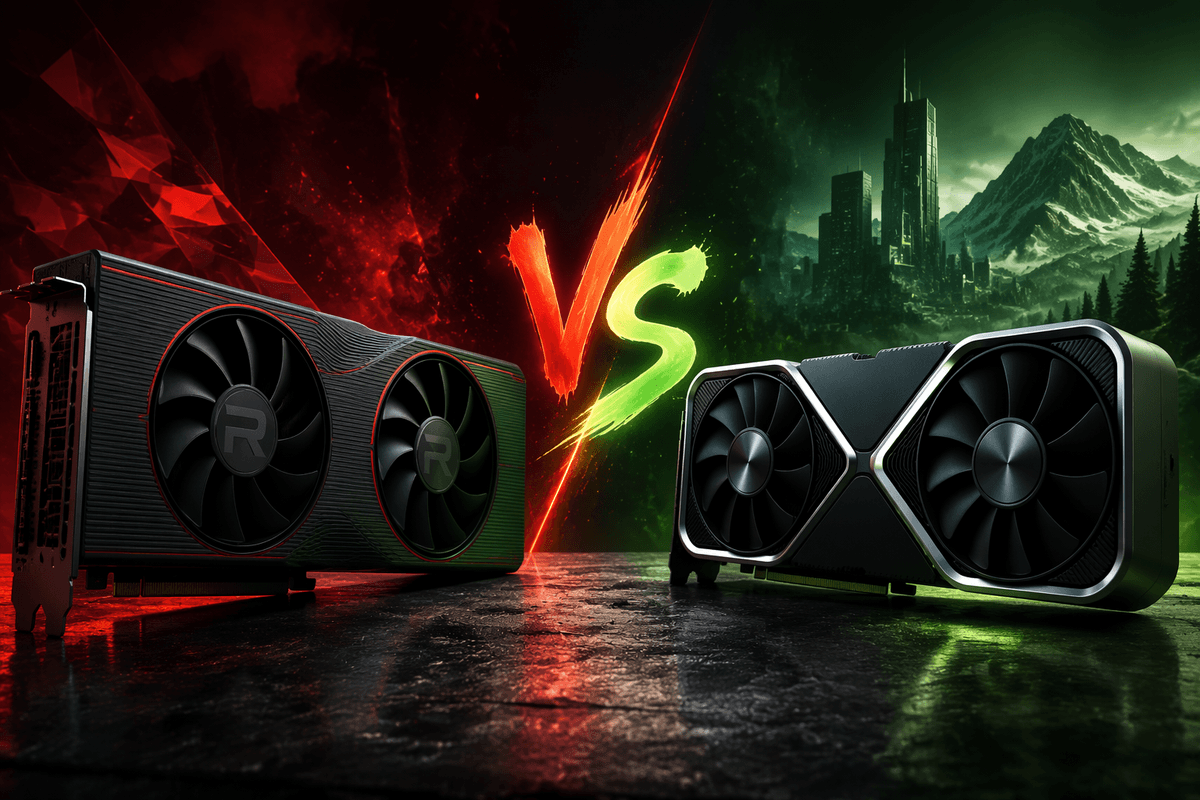
You can get a genuinely “high-end feeling” 1440p experience in 2026 from two very different types of buys: a used last-gen Radeon that wins on raw raster frames per dollar, or an RTX card that may look similar on average FPS but gives you more ways to keep image quality high when performance gets tight. The decision usually comes down to what you play and what annoys you. If you mostly run competitive shooters or well-optimized games, prioritize consistent raster performance and VRAM. If you’re in newer single-player releases, ray tracing and DLSS can matter more than a small FPS gap. Either way, the exact model matters—cooler quality, coil whine risk, and PSU headroom can be the hidden cost.
1440p performance in real games: averages vs 1% lows
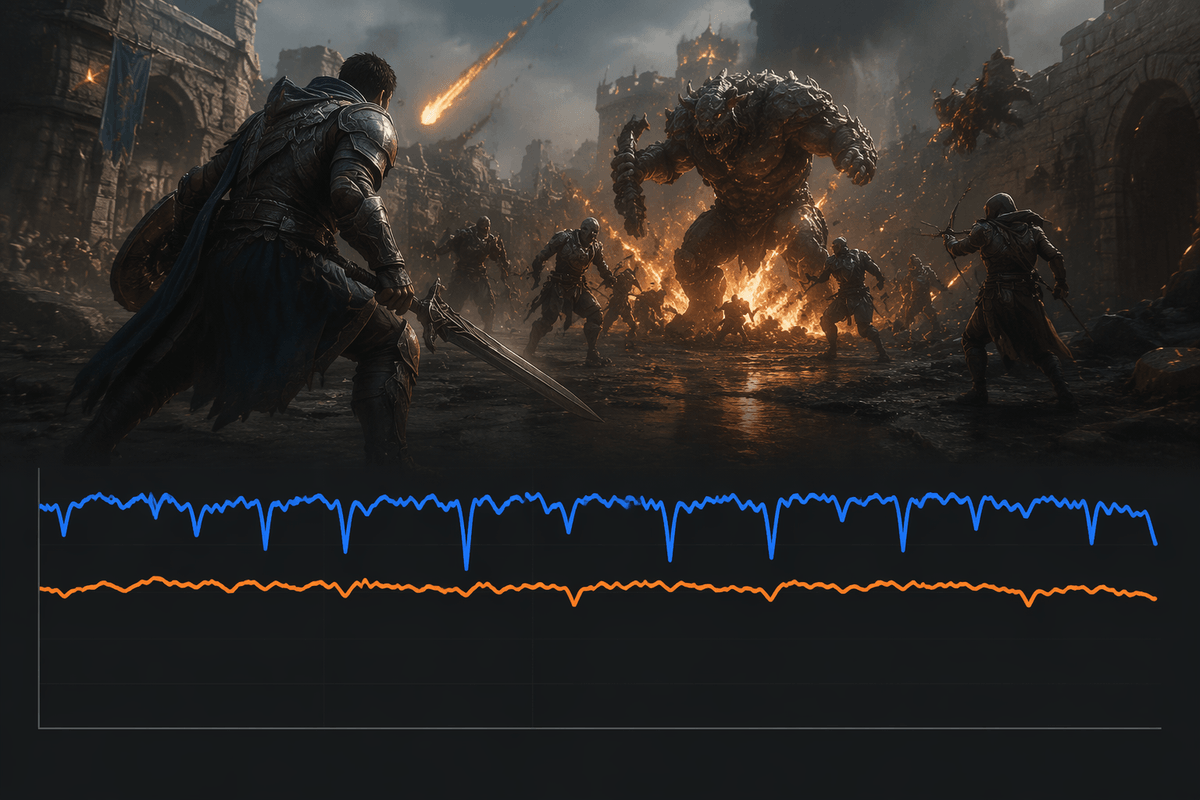
At 1440p, the average FPS number is the easy part. The “feel” comes from 1% lows and frame-time consistency—those moments where a busy fight, a new area load, or heavy effects cause brief drops. In many games, a used Radeon that looks great in averages can still feel excellent if it has enough VRAM headroom and you’re staying on raster settings, but you’ll notice bigger swings when a title leans hard on effects that spike GPU load. An RTX option can land in the same average range yet hold up better in the tough scenes once you start using upscaling or dial in a quality preset that avoids the worst spikes.
The practical catch is that these dips are game- and patch-dependent, and they vary by CPU, memory, and even the map you test. When you compare results, favor reviews that show 1% lows, not just averages, and sanity-check with your own “problem games” and settings before you assume the cheaper card will feel identical.
Your monitor and refresh rate: 75Hz, 144Hz, or ultrawide
If your monitor is 75Hz, you’re effectively shopping for “always above ~80 FPS” in the games you care about, not bragging-rights peaks. In that range, the cheaper raster-heavy option often feels indistinguishable once you lock settings, use a sensible frame cap, and keep 1% lows from dipping under your refresh. A 144Hz panel changes the pressure: you’ll notice the difference between 110–130 FPS and 140–165 FPS, and you’ll also notice micro-stutter more, so consistency and any tools that smooth rough scenes start to matter.
Ultrawide (3440×1440) is the quiet trap. It’s closer to 4K than standard 1440p in GPU load, so the “both cards are fine at 1440p” logic breaks faster. Expect to lower settings sooner, and budget for a stronger cooler or a higher-power draw if you’re trying to hold high refresh without ramping fan noise.
Ray tracing and upscaling: do you want these today?
The moment you toggle ray tracing is where these “similar 1440p cards” stop feeling similar. In newer single-player games, RT can cut performance hard enough that the card with better RT throughput and access to DLSS often ends up looking cleaner at a higher effective frame rate. If your library includes titles where you actually want RT on (or you care about path-traced modes), treat DLSS support as a practical feature, not a bonus.
If you mostly want sharp native 1440p with RT off, upscaling matters less and the raster-first option stays attractive. FSR can still help, but it’s more game-to-game, and you may notice more shimmer or softer fine detail depending on the preset. The real cost is time: you’ll spend more effort tuning each new release to find the “looks good, runs smooth” point.
Drivers, stability, and software: the day-to-day experience
The day-to-day difference often shows up outside the benchmark run: game-day driver updates, weird overlay conflicts, and how quickly a new release stops crashing. If you like a “set it and forget it” setup with broad game-profile coverage, a cleaner capture/stream stack, and fewer hours spent hunting down a random stutter, the RTX ecosystem tends to be easier to live with—especially when you lean on features like Reflex, DLSS, and frame generation where supported.
The used Radeon route can still be rock-solid, but it rewards a little more patience. Expect to occasionally DDU and reinstall after a major Windows update, and be ready to test a couple driver versions if one game behaves badly. Also factor in the hidden cost of troubleshooting time if this is your only PC and you just want to play tonight, not tune settings and overlays.
Cooling, noise, and power: the model you buy matters
You’ll feel the “model difference” most in your ears and on your electric bill. Two cards with the same GPU can behave completely differently depending on the cooler: a thicker heatsink and quieter fan curve can hold boost clocks longer, while a cheaper, short cooler may run hotter, louder, and throttle in long sessions. On the used market, that’s why the exact brand and SKU matter as much as the chipset.
Power is the other practical constraint. Higher-draw cards don’t just need the right wattage on paper; they need clean headroom on the 12V rail and the right connectors, and older PSUs can trip protections or add instability under transient spikes. Budget for a quality PSU if yours is borderline, and assume you may want a mild undervolt—often a free win for noise and temps—especially in smaller cases with limited airflow.
Price and value in 2026: new vs used, and hidden costs
Pricing is where the “used raster monster” can look unbeatable—until you price in risk. A clean used card with proof of purchase, remaining transferable warranty (if any), and a known-good cooler can be the best FPS-per-dollar play at 1440p. But the spread in used pricing is huge, and the bad deals usually hide in condition: mined-on cards with worn fans, repasted badly, or running a BIOS you didn’t expect. If the seller can’t show temps, noise, and a quick stability run in a real game, assume you’re paying for a lottery ticket.
Newer RTX options cost more upfront, but you’re also buying return windows, warranty coverage, and fewer “surprise” expenses. Hidden costs add up either way: a borderline PSU upgrade, higher power draw over long sessions, and the time spent tuning or troubleshooting. When the price gap is small, take the card with the warranty and the features you’ll actually use; when it’s large, buy used only if you can verify the exact model and its health.
So which should you buy for 1440p right now?
If you want the simplest “buy it, install it, play” 1440p experience, choose the RTX card—especially if you’ll use ray tracing, DLSS, Reflex, or frame generation in supported games. It’s usually the safer pick when the price gap is modest, because warranty/returns and smoother day-to-day behavior reduce the hidden costs.
If you play mostly raster games, prefer native 1440p, and you’re shopping hard on the used market, the Radeon can be the better value—provided the exact model is known-good. Before you pay, verify temps/noise under load, check for fan wear, confirm PSU connectors/headroom, and plan on an undervolt if your case airflow is average.