Start with what you actually need from a phone
Most people don’t need “the best phone,” they need a phone that stops being a daily annoyance. Start by naming your non-negotiables: calls and texting that just work, battery that reliably lasts your day, and a camera that captures the moments you actually take (kids, pets, food, concerts, trips). Then add your friction points: do you want less tinkering and fewer settings, or do you like tailoring your home screen and defaults? Be honest about budget, too—stretching for a model you’ll resent paying off is a real cost, even if the specs look great.
Ecosystem pull: your laptop, watch, and messaging habits
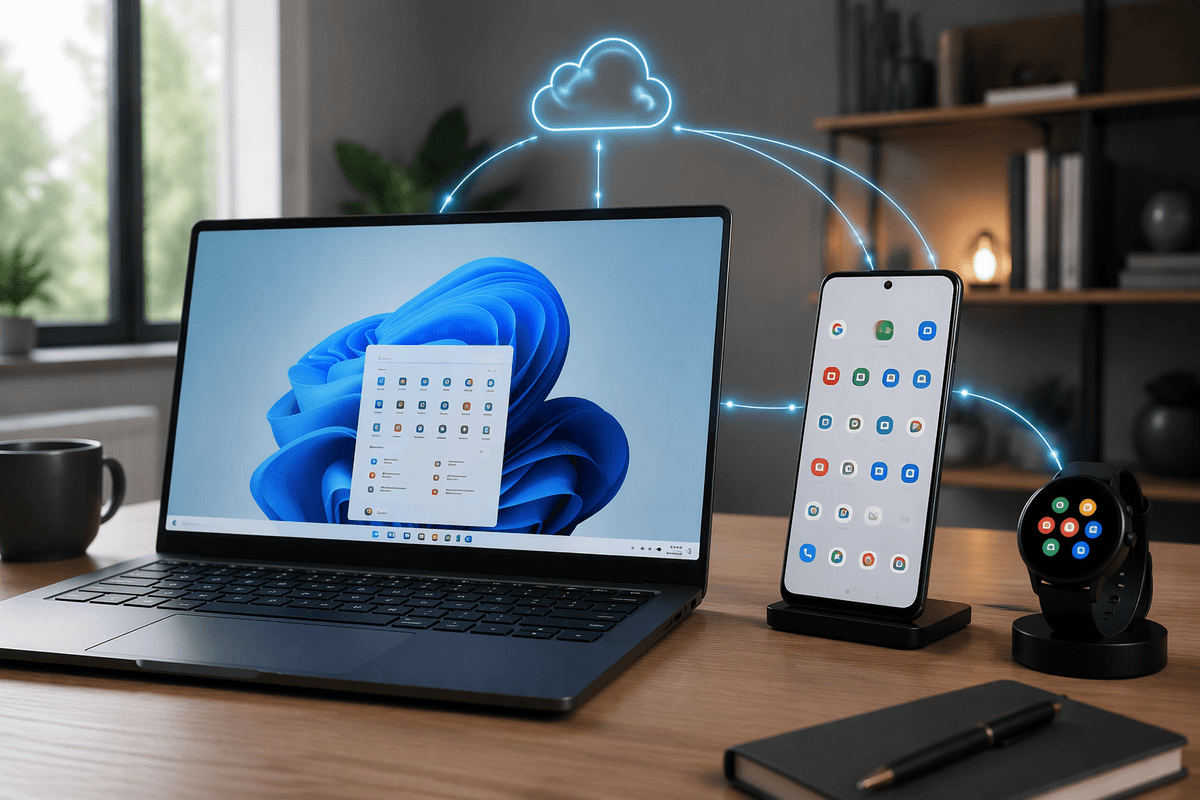
Think about what’s already in your life, because that’s where the “ecosystem” starts paying rent. If you use a MacBook or iPad, an iPhone tends to feel frictionless for handoff, AirDrop-style file sharing, and keeping photos, notes, and passwords in sync. If you’re on Windows and rely on Google services, Samsung usually fits smoothly without extra work, and you’ll still get good cross-device syncing through Google apps.
Your watch matters even more. If you want the simplest, most consistent smartwatch experience, Apple Watch effectively means iPhone. Samsung and other Wear OS watches can be great, but features vary by brand and carrier, and setup can take more fiddling. Messaging is the last pull: if your friends and family live in iMessage/FaceTime, switching away adds real daily friction. If your group chats already run on WhatsApp, Messenger, or Slack, that pressure largely disappears.
Everyday software feel: simplicity, customization, and updates
You’ll feel the iPhone vs. Samsung difference most in the small, repeated actions: changing settings, finding a toggle, sharing a photo, switching between apps. iOS tends to be more consistent and predictable across models, with fewer “which menu is that in?” moments. Samsung’s One UI can feel busier, but it rewards you if you like control—more home screen layouts, better default-app flexibility, deeper notification tuning, and practical touches like split-screen multitasking.
Updates are the long-game factor. iPhones usually get new iOS versions on day one across supported models, and apps are often designed with that consistency in mind. Samsung has improved a lot, but Android updates can still arrive later depending on model and carrier, and some features land unevenly. The trade-off is time: more customization often means more setup, and occasionally more troubleshooting when something changes.
Camera reality: what you’ll notice in photos and video
The camera difference you’ll notice isn’t megapixels, it’s consistency. iPhones tend to deliver a “good shot” more often with less thought: reliable skin tones, predictable exposure, and video that looks steady and natural even in mixed indoor light. If you frequently shoot people, quick clips, or kid-and-pet chaos, that reliability matters more than peak sharpness.
Samsung often wins on flexibility and wow factor. You’ll get punchier contrast and color, stronger zoom options on certain models, and more tools if you like tweaking modes. The trade-off is that processing can look more stylized, and fast movement or tricky lighting may take a second attempt to nail. Also consider workflow: if you edit in Google Photos, share to Windows, or like manual controls, Samsung fits. If you want seamless capture-to-share across Apple devices, iPhone feels simpler.
Hardware choices: screen, battery, durability, and extras
You’ll notice hardware differences in the parts you touch all day: screen feel, battery behavior, and how well the phone survives real life. Samsung often offers brighter, more vivid displays and, on some models, faster refresh rates that make scrolling look smoother. iPhone screens tend to look more “neutral” and consistent, and Face ID remains the easiest unlock method if you’re often wearing gloves or juggling bags.
Battery is less about the biggest number and more about predictability. iPhones are usually steady from morning to night with fewer background surprises, while Samsung can match or beat that on similar sizes but may take a little setup (power modes, app sleeping) to stay consistent. Durability is a wash if you use a case, but repair cost isn’t: iPhone repairs are often simpler to price and schedule, while Samsung availability varies more by model and local shop.
Extras can decide it: Samsung’s USB-C flexibility, DeX, and stylus support (on Ultra-type models) are genuinely useful; iPhone’s strongest “extra” is accessory reliability and tight integration.
Total cost: upfront price, deals, trade-ins, and resale
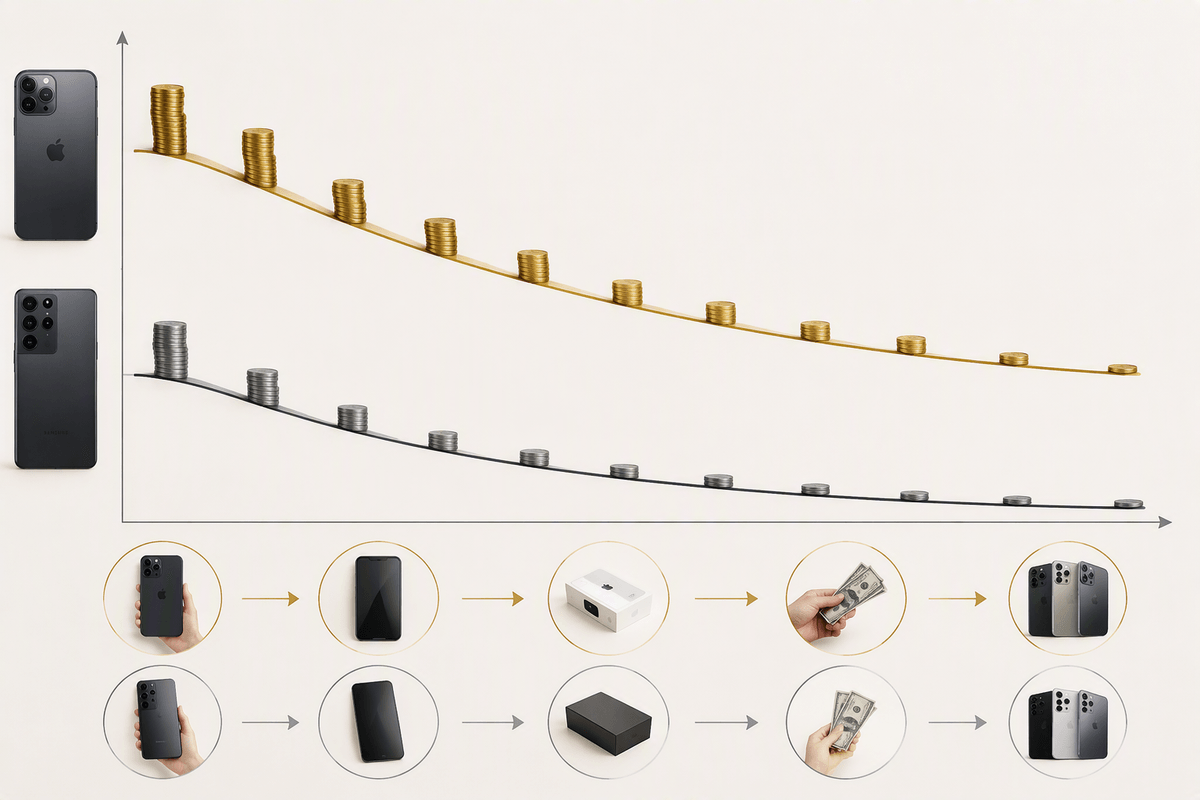
The sticker price is only the start. iPhones usually cost more upfront, and Apple discounts tend to be smaller, so the “new phone” experience can feel pricey. Samsung models often drop faster, and you’ll regularly see aggressive carrier promos or instant discounts—great if you’re upgrading on a schedule and don’t mind buying around sale cycles. The catch is that some deals require long financing terms, new lines, or premium plans, which can erase the savings if you weren’t already paying for them.
Trade-ins and resale are where the math flips. iPhones typically hold value longer, which lowers your effective cost if you sell every few years or hand the phone down. Samsung trade-ins can be excellent during launch windows, but resale value tends to fall faster after that. Also budget for the unglamorous costs: cases, screen protectors, and potential repairs—especially if you’re choosing a larger, more expensive model.
A simple decision checklist for choosing iPhone or Samsung
If you want the least fuss and the most consistent “works the same every day” experience, choose iPhone—especially if you use a Mac/iPad, want Apple Watch, or rely on iMessage/FaceTime. If you want more control and flexibility, choose Samsung—especially if you’re on Windows, live in Google apps, want split-screen/DeX, or value stronger zoom options on certain models. If you upgrade every 2–3 years and can time a deal, Samsung often wins on upfront cost. If you keep phones longer or resell, iPhone usually wins on value. The real cost is switching: moving messages, accessories, and habits takes time.