Why “I’m careful online” isn’t enough anymore
Most people who get hacked or infected didn’t think they were being reckless. They clicked a normal-looking link from a “shipping update,” installed a common app, or approved an update prompt they’d seen a hundred times. The problem is that online risk now blends into everyday routines, and attackers don’t need you to do anything that feels obviously wrong.
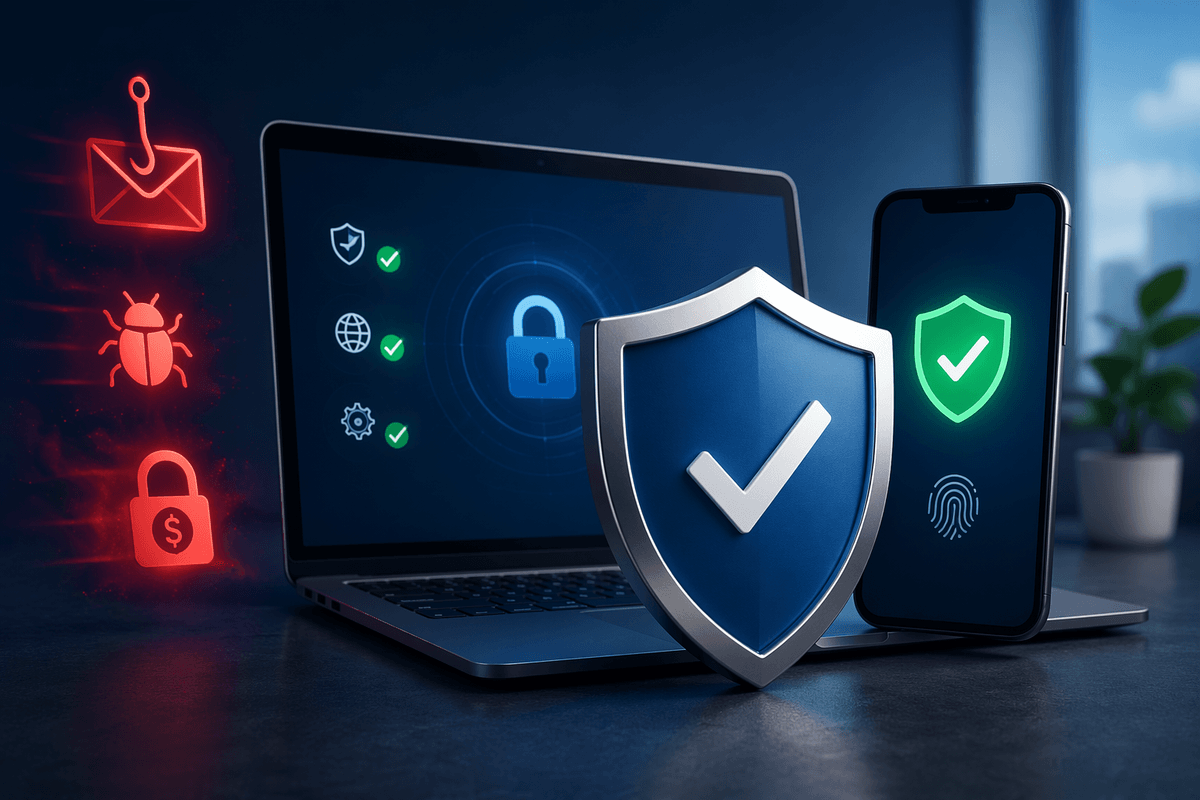
Built-in protections help, but they’re not a complete safety net—especially across a mix of phones, laptops, browsers, and home-office logins. A reputable antivirus adds another layer: it watches for suspicious behavior, blocks known bad sites and downloads, and flags threats that slip past your judgment or a basic filter.
Reason 1: Malware hides in everyday downloads and updates
You’ve probably downloaded something “routine” in the last week: a PDF viewer, a video call plugin, a free font, a phone game, or a driver or printer tool. That’s exactly where modern malware likes to hide. It doesn’t always arrive as a sketchy file with a scary name. It shows up as a lookalike installer, a bundled “extra” you didn’t notice, or a fake update prompt that appears while you’re trying to do something normal.
Updates are a special trap because they’re both necessary and easy to imitate. Real updates close security holes; fake ones open them. Even legitimate software can get compromised through its supply chain, or a download site can push the wrong “recommended” installer. Antivirus helps by checking downloads and installers, warning you about known bad sources, and watching for suspicious behavior after something runs. The practical downside is that good protection takes ongoing maintenance: renewals, occasional false alarms, and the need to keep it updated so it recognizes new threats.
Reason 2: Phishing gets past common sense and spam filters
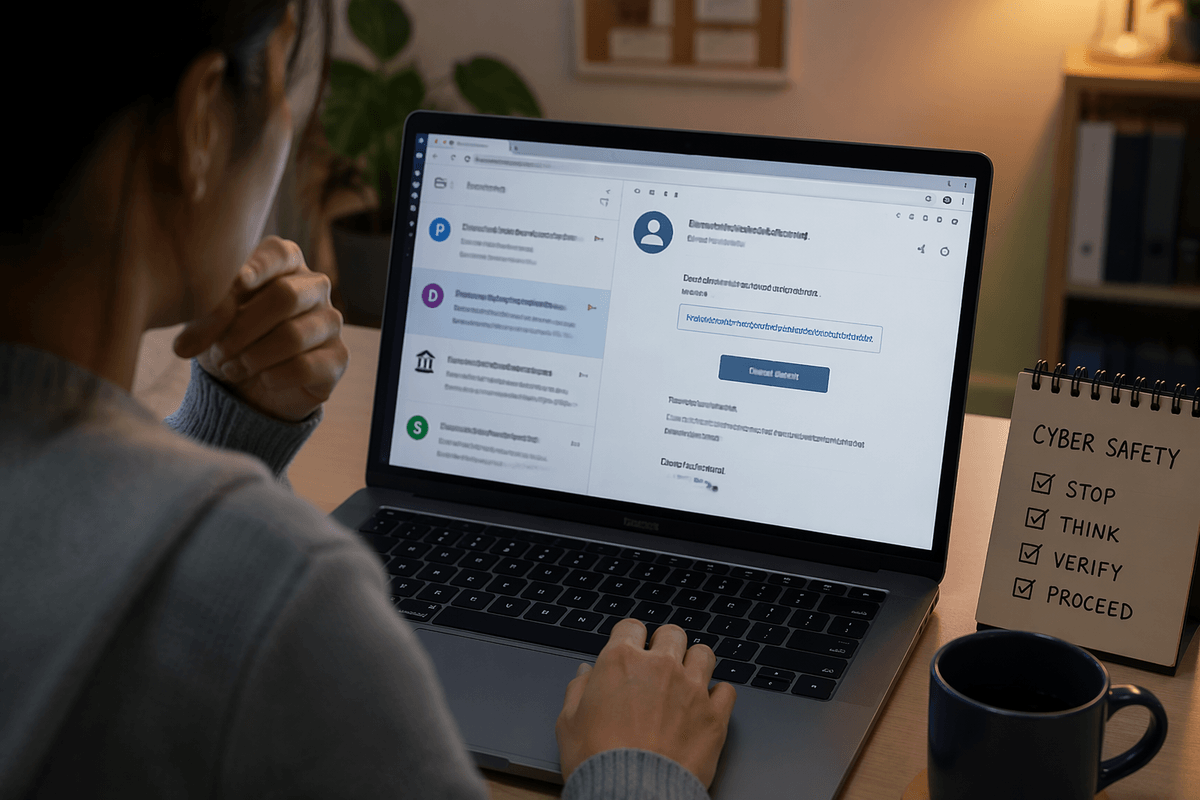
You don’t have to be “gullible” to get phished. A message can arrive as a real-looking password reset, a shared document invite, a bank alert, or a quick note from your boss or kid’s school. The links look normal, the sender name checks out at a glance, and the request sounds urgent enough to act before thinking. Spam filters catch a lot, but they miss the messages that are short, targeted, and sent from compromised real accounts.
This is where dedicated security tools earn their keep. Many antivirus suites add web protection that blocks known phishing pages, warns you when a site’s address doesn’t match what it claims, and scans links in emails or texts before you land on a fake login screen. It’s not perfect, and you may still see occasional “false” warnings on unfamiliar sites, but those prompts can be the pause that prevents a stolen password from turning into a drained account.
Reason 3: Ransomware can wipe out your files in minutes
It often starts with something ordinary: you open an attachment that looks like an invoice, click a “scan” from a copier app, or install a small tool to convert a file. Nothing seems to happen—until your photos, tax returns, and work documents suddenly won’t open, and you see a note demanding payment. Ransomware doesn’t need to “steal” your computer to hurt you. It just needs to encrypt the files you rely on, fast enough that you notice only after the damage is done.
Built-in protections can catch some threats, but ransomware moves quickly and often arrives through the same paths as everyday malware. A reputable antivirus can help by blocking known ransomware, flagging suspicious file-encryption behavior, and stopping related tools attackers use to spread across shared folders. The catch is that no antivirus can guarantee recovery, and some protection features may require setup or paid tiers—so backups still matter, but prevention reduces the odds you’ll need them.
Reason 4: Your personal data is worth more than your device
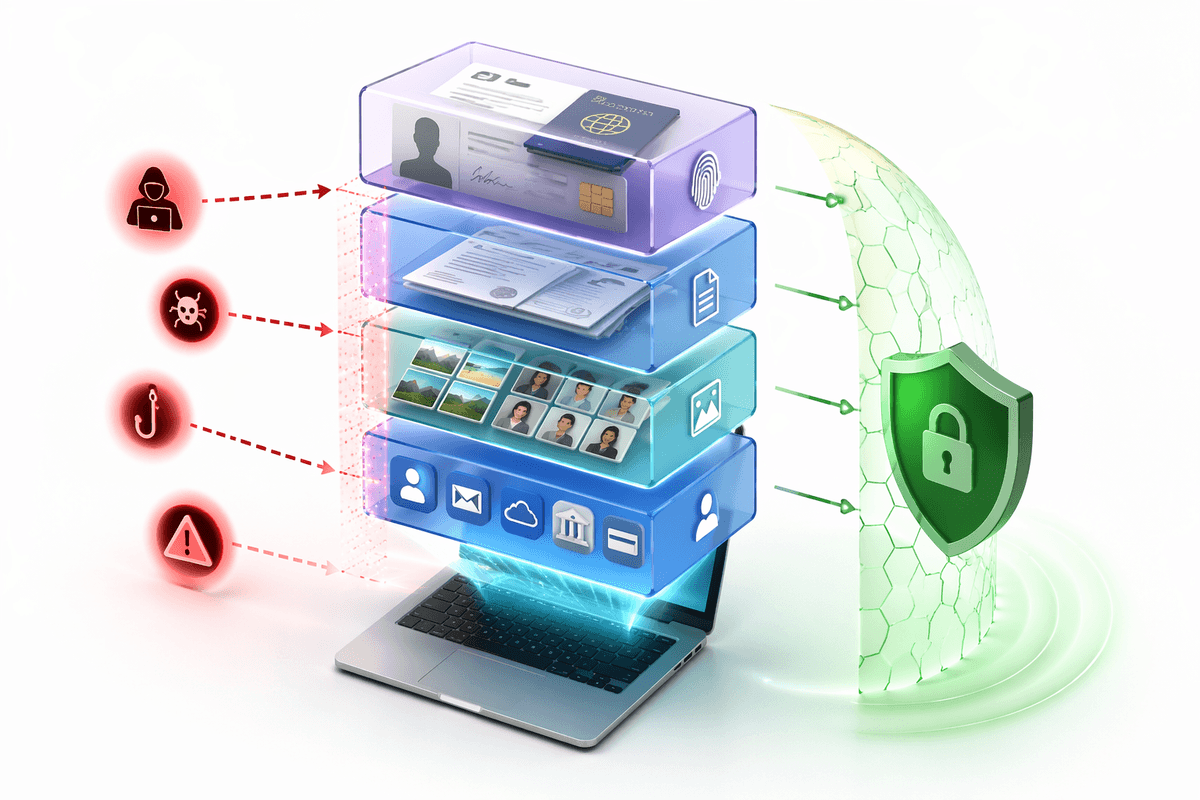
If your laptop died tomorrow, you could replace it. The harder loss is what’s inside your accounts and stored on the device: saved passwords, browser autofill, tax documents, scans of IDs, medical portal logins, family photos, and the email inbox that resets everything else. That data can be resold, used to open new accounts, or used to impersonate you in ways that take months to unwind. Even “small” details like your address, birthday, and phone number become valuable when combined with leaks from other companies.
This is where antivirus can protect more than files. Many reputable options include web and identity-focused features that warn about risky sites, block credential-stealing malware, and watch for suspicious activity like password dumping or unauthorized access attempts. It won’t stop every breach at a bank or retailer, and you may need to pay for premium monitoring, but it can reduce the chance your own device becomes the easy entry point.
Reason 5: Antivirus helps manage weak spots you forget about
You probably don’t feel “unsafe” when you’re rushing through normal life: approving a browser permission, reusing a password on a low-stakes site, putting off a restart, or letting a kid install something on the family laptop. Those small choices aren’t dramatic, but they create weak spots that add up—especially when you use the same device for shopping, banking, school portals, and work logins.
A good antivirus helps by turning those forgotten gaps into something you can manage. It can nag you about missing updates, block sketchy extensions, watch for apps that suddenly start behaving oddly, and catch credential-stealing tools that run quietly in the background. Many suites also include a password manager, a firewall, or safe-browsing features that reduce “oops” moments before they become account takeovers. The trade-off is friction: you may need to review alerts, allow legitimate apps, and accept a small performance hit on older devices.
Choosing a good antivirus without overpaying or slowing down
You’ve probably seen the extremes: a free antivirus that nags you constantly, or a “premium security suite” that bundles features you’ll never use. A practical target is simple: strong real-time protection, good phishing/web blocking, and ransomware behavior monitoring, with automatic updates. Look for clear, independent testing results, a company with a long track record, and apps for every device you actually use (Windows, macOS, Android, iOS). If a product hides basic protections behind endless upsells or makes it hard to cancel, that’s a sign the business model matters more than the security.
To avoid slowdowns, use one reputable antivirus at a time (two can conflict), and skip “optimizer” extras that promise miracle speed boosts. On older laptops, prioritize lightweight protection and schedule full scans overnight. Pay attention to what you’re really buying: coverage for multiple devices, a password manager you’ll actually adopt, and bank-safe browsing features can be worth it, while VPNs and identity monitoring often overlap with services you may already have through work, a credit card, or your phone plan.
A practical takeaway: reduce risk, not just worry
The goal isn’t to feel “perfectly safe” online. It’s to make the most common attacks harder to pull off and easier to stop. A reputable antivirus, kept updated, does that by catching bad downloads, blocking phishing pages, and flagging suspicious behavior before it turns into a locked-up computer or a stolen login.
Pair it with two habits that cost little: turn on automatic updates for your OS and browser, and use a password manager plus two-factor authentication for your email and financial accounts. You’ll still see alerts sometimes, and you may pay an annual fee, but the trade is fewer high-impact surprises and less time spent cleaning up after one.