Why CFexpress suddenly shows up in video camera specs
You’ve probably noticed newer cameras listing “CFexpress required” right next to certain video modes, even when the same body still has an SD slot. That’s not marketing fluff so much as a response to how quickly video data rates have climbed: 10-bit color, higher frame rates, 6K/8K, and especially intraframe codecs can push write speeds past what many SD cards can sustain without dips.
Manufacturers also want recording to be predictable. An SD card that benchmarks well for a few seconds can still slow down on long takes as it heats up or its cache runs out, triggering dropped frames or hard recording limits. CFexpress shows up in specs because it’s the simplest way to guarantee headroom, at the cost of pricier cards and a new reader for your workflow.
What CFexpress is, and how it differs from SD
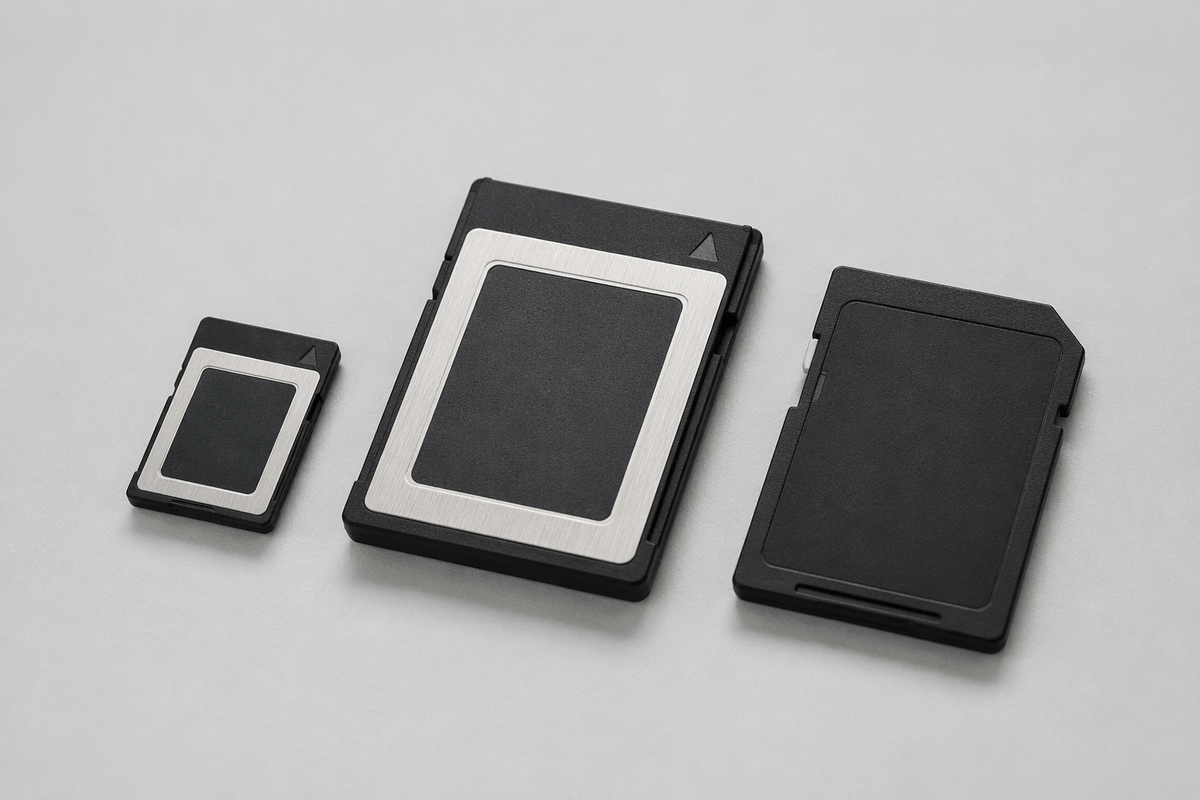
Picture two cards that look similar in size but behave very differently once you hit record. CFexpress is essentially a tiny PCIe/NVMe SSD in a removable-card form factor, designed for high sustained write speeds and heavy continuous workloads. SD cards are built around the SD/UHS bus, which is cheaper and widely compatible, but more limited in how fast data can be moved—especially when you need that speed to hold steady for minutes at a time, not just for a quick burst.
The “CFexpress” label also hides a practical compatibility detail: types are physically different. CFexpress Type B is the larger, widely used format in many hybrid and cinema-leaning bodies; Type A is smaller and typically costs more per GB because it’s harder to engineer at that size. Unlike SD, you can’t assume you can swap media between cameras without checking the exact slot type, and you’ll usually need a dedicated CFexpress reader to offload footage at full speed.
The video settings that actually demand CFexpress speeds
You usually “need CFexpress” when the camera is trying to write a lot of data every second, continuously, with little tolerance for slowdowns. The biggest triggers are high-bitrate intraframe codecs (often labeled All‑I), high-resolution capture like 6K/8K, and high frame rates (4K/120, 5.7K/60, and similar) where the bitrate scales up fast. Some cameras also require CFexpress for internal RAW or RAW-like formats, since those modes can jump from “big file” to “sustained data firehose” quickly.
The tell is the camera’s stated bitrate. Convert it to megabytes per second (Mb/s ÷ 8 = MB/s) and then add real-world headroom, because cards don’t hold their peak speed under heat and long writes. If your mode works out to, say, 150–250 MB/s sustained, many SD UHS‑II cards will be borderline, while CFexpress Type A/B is built for that kind of steady load. The trade-off is simple: CFexpress solves the performance problem, but it makes media and offload gear more expensive.
When SD is still fine: common shoots and workflows
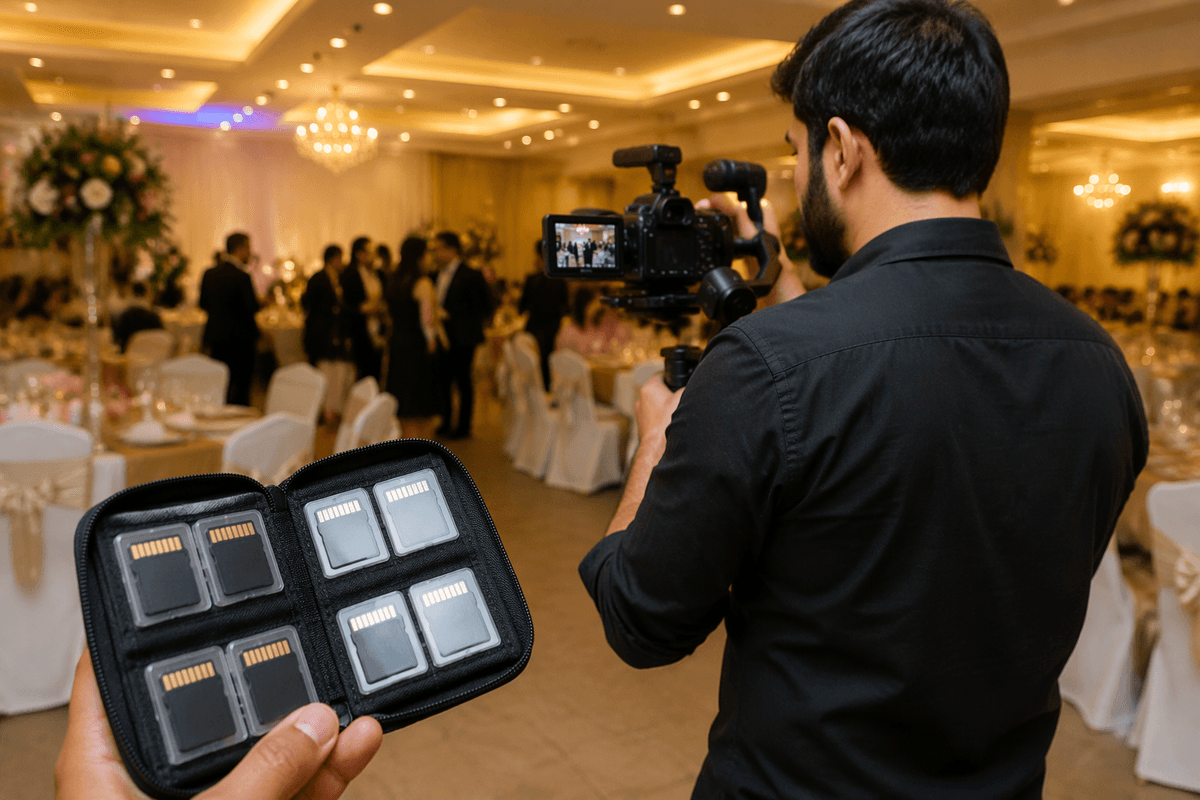
You can still stay on SD if your typical shoot lives in the “efficient codec” lane: 4K up to 30p or 60p in Long GOP/H.264 or H.265, moderate bitrates, and clips that aren’t constantly running for 20–60 minutes. For interviews, weddings, events, and YouTube-style A-roll where you’re rolling in shorter segments, a good UHS-II V60 (and sometimes V90) SD card is often enough—especially if your camera offers proxy recording or lower-bitrate options that still look clean.
SD also makes sense when you value frictionless compatibility over maximum throughput. If you’re handing cards to an editor, traveling with minimal gear, or backing up to a laptop without a dedicated reader, SD’s ubiquity is hard to beat. The practical constraint is that SD performance is more sensitive to card quality and heat, so “it works” often depends on buying reputable cards, testing your exact record mode, and accepting that some high-end options will remain locked behind CFexpress-only settings.
Sustained speed, heat, and reliability on long takes
You can feel the difference between “fast enough” and “stays fast” when you’re recording long takes: a conference keynote, a dance recital, a ceremony, or a locked-off interview where stopping and restarting isn’t an option. Many SD cards hit strong numbers in short benchmarks because they lean on a fast cache. After a few minutes of continuous writing, that cache can fill, the card’s controller shifts to slower memory behavior, and write speed may dip right when the camera needs it to be steady. That’s when you see dropped frames, overheating warnings, or a sudden hard stop.
CFexpress is built more like an SSD, so sustained writes are its “normal,” not a best-case burst. It also tends to recover better from heat and heavy workloads, though it isn’t magic: the card, the camera’s slot area, and the codec’s bitrate all contribute to temperature. The practical downside is cost and planning—if you rely on long continuous takes, you’ll likely want fewer, larger CFexpress cards you trust, and you should test them in your highest-bitrate mode before a paid shoot.
Cost, readers, and backups: the hidden CFexpress expenses
You feel the CFexpress “tax” the moment you build a full kit, not when you buy the first card. Cost per gig is higher (especially Type A), and because the whole point is sustained performance, it’s smarter to buy fewer cards from reputable lines than to gamble on cheap, untested ones. That pushes you toward larger capacities, which concentrates risk: if a single 512GB card fails, you lose more of the day than if you’d been rotating smaller SD cards.
Offload gear is the other hidden line item. Many laptops still don’t have CFexpress slots, so you’ll likely need a dedicated reader (and a fast USB-C/Thunderbolt port to benefit), plus spare cables and a case. Backups can also get pricier: faster media encourages higher bitrates, which means larger archives, more SSD space on set, and more long-term storage at home. Budget for at least a two-copy workflow before you call CFexpress “done.”
A quick decision checklist for buying—or skipping—CFexpress
If your camera manual flags your preferred mode as “CFexpress required,” treat that as non-negotiable—especially for internal RAW, All‑I, 6K/8K, or 4K/120 where the bitrate is consistently high. If your typical work is Long GOP 4K (or less) and your tested SD UHS‑II V60/V90 cards record full-length clips without warnings, you’re probably paying for unused headroom.
Buy CFexpress when you value predictable long takes, fast offloads, and fewer recording limits; skip it when you prioritize low cost, easy sharing, and simple travel. Before committing, price the whole workflow: card type (A vs B), a reliable reader, and enough storage to back up bigger files the same day.